

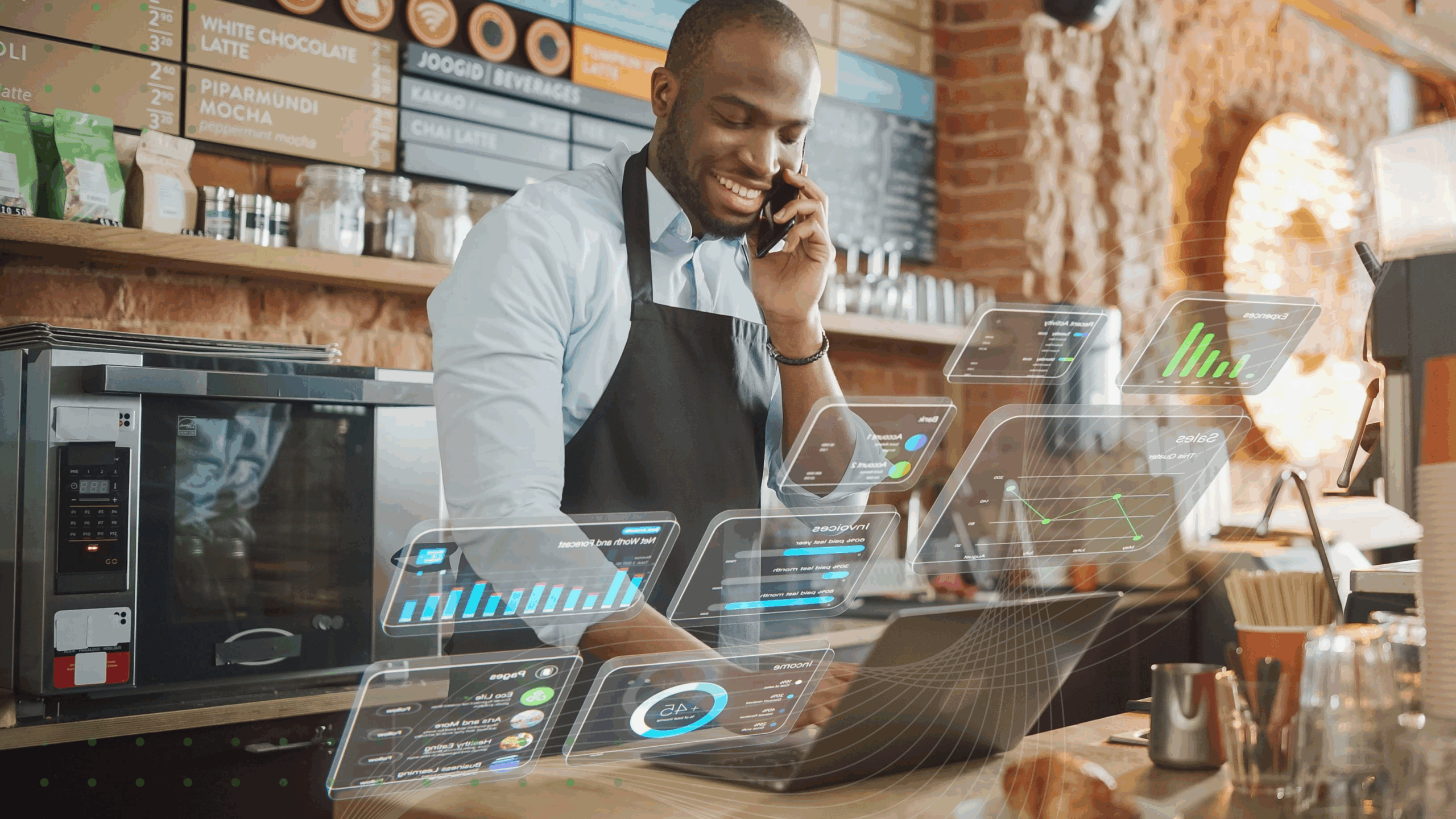
It’s Friday, 7 p.m., and the dinner rush is on. The phone keeps ringing, the prep line is running short, and a new crew member started mid-shift. One shift lead is covering all three at once, and every minute counts.
This is where AI for QSR and restaurants earns its keep. The real question operations leaders ask is how QSR and restaurant chains use AI to run better operations, not how to add one more gadget. Labor is scarce and margins are thin, so execution on the floor is the deciding factor.
Here’s the short version. AI for operations is less about flashy technology and more about turning data into the right action, at the right site, at the right moment. The sections below show where it fits and how to roll it out across many locations.
How can QSR and restaurant chains use AI to run better operations?
QSR and restaurant chains use AI to forecast demand and labor and to guide and verify daily tasks. They also use it to keep standards consistent across locations and to surface the next best action for each site. The payoff is simple: teams act before problems show up in sales.
Think of it as a loop. A signal in the data becomes a prioritized action, and that action becomes verified work on the floor. Most of the value lives in that last step, not in another dashboard.
Set a realistic baseline before you invest. According to the National Restaurant Association’s 2026 report, about 26% of restaurant operators now use AI tools, and only 6% use AI for customer orders. Adoption is still early, and guest-facing ordering is a small slice of it.
Picture a general manager who used to start each shift stitching numbers from three systems. Now they open the day with three ranked priorities and get straight to work. For a deeper breakdown, see how this plays out with AI across store operations.
What types of AI are actually used in restaurants?
Start with a plain definition. AI is software that learns patterns from data, then uses them to predict, classify, or recommend. In restaurants, four categories do most of the work.
Predictive analytics forecasts demand and labor from past sales and other signals. Computer vision reads photos and video to check displays, shelves, and food quality.
Conversational AI and natural language processing understand spoken or typed words to answer questions and take orders. Recommendation engines rank the next best action for a site or a shift.
Here’s how each one maps to a real restaurant job you’d recognize.
| AI type | What it does | Restaurant example |
|---|---|---|
| Predictive analytics | Forecasts demand and staffing needs | Predicts Saturday lunch volume so the kitchen preps the right amount |
| Computer vision | Checks images against a standard | Confirms a limited-time-offer display is set up correctly from a photo |
| Conversational AI / NLP | Understands and responds to language | Takes a drive-thru order and confirms it back to the guest |
| Recommendation engines | Ranks the best next step | Tells a manager which three tasks to tackle first today |
To see how these layers support crews and managers, explore YOOBIC’s AI for frontline teams.
How does AI improve demand forecasting, inventory, and food waste?
AI reads sales history, seasonality, weather, and local events to forecast demand down to the item level. That lets teams prep and order closer to real need, which cuts both stockouts and waste.
It also tracks expiration dates and first-in, first-out rotation, then turns the forecast into clear prep guidance. You stop ordering on gut feel and start ordering to a number.
A kitchen lead used to guess the morning prep. Some days they ran out by noon, other days they tossed full trays at close. Now they prep to a forecast, and the guesswork is mostly gone.
A forecast only helps, though, if it becomes a prep task someone actually completes.
How does AI help with labor and scheduling?
AI forecasts foot traffic by hour and by site, aligns staffing to it, and flags shifts that look understaffed. That’s the top reason operators look at AI in the first place.
In a 2025 survey of restaurant operators, 54% named a shrinking labor pool as their biggest concern. The same survey found labor efficiency, training, and scheduling were the top areas where AI could help, at 40%.
Scheduling is only half the problem. Managers still need to know what to do with the hours they have.
That’s where Store Manager Copilot helps: it turns scattered sales, traffic, and inventory data into a short daily action list. Your managers spend less time compiling reports and more time coaching the crew.
How does AI keep standards consistent across every location?
Consistency is the hardest multi-unit problem, and it’s where AI pays off most. AI keeps standards consistent by pushing standard operating procedures, menu changes, and checks to every site at once. It then verifies completion with photo proof and flags the locations that are drifting.
A district manager once found a limited-time-offer display missing in one in five locations, three weeks into the promotion. No one caught it, because no one could see it. Photo-verified tasks close that gap without a site visit.
The data backs this up. In an operational maturity benchmark, 86% of top-tier operators report full tool compliance, versus 11% of the lowest tier. That 8x gap is the single largest difference between the two tiers, larger than gaps in forecasting, profitability, or AI adoption.
With YOOBIC Task Management, you can digitize store tasks and audits across the network and confirm each one with a photo. Discipline, not AI alone, is what separates the leaders.
What about drive-thru and guest-facing AI?
Conversational AI now takes drive-thru and phone orders, confirms accuracy, and suggests add-ons. It can lift order accuracy and keep the guest experience steady across sites.
Still, guest-facing AI is an emerging slice of adoption, not the core of operations AI. Plenty of chains are piloting voice ordering, yet it’s far from standard practice.
It works best when it connects to the same operations backbone that runs your kitchen and labor. An order bot that can’t talk to prep and staffing is nothing more than a louder speaker box.
Does AI replace restaurant teams?
No. AI removes repetitive work like searching for answers, compiling reports, and guessing prep, so people can focus on the guest. You get your team back to what they do best.
An associate used to stop and interrupt a manager to confirm a policy. Now they get the answer on their phone in seconds and stay with the customer. Crews spend more time on hospitality, and managers spend more time coaching instead of chasing information.
How to roll out AI across your restaurants
You don’t need an “AI strategy” to start. You need one problem, one workflow, and a way to prove it works. For a fuller walkthrough, follow a practical AI rollout sequence.
In a 2025 study, about 37% of operators plan to adopt automated labor management, recruitment, and scheduling systems, while 28% plan to invest in AI-driven solutions. Here’s a sequence that holds up across many locations.
Start with one measurable problem
Pick one pain you can measure, like food waste or late opening tasks. Name the number you want to move. An “AI strategy” with no target only adds tools nobody uses.
Fix the data feeds first
AI is only as good as the data it reads. Clean up your point-of-sale, sales, inventory, and labor feeds before anything else. If the inputs are messy, the recommendations will be too.
Pilot one workflow in a few sites
Choose one high-frequency workflow, such as daily opening checks, and pilot it in a handful of sites. A small group gives you fast feedback without network-wide risk.
Set a KPI and verify adoption
Set one named KPI for the pilot and check adoption every week. If teams aren’t using it, find out why before you add features. Low usage, not weak technology, sinks most rollouts.
Scale what works
Once the pilot proves the KPI moves, scale it across the network. Keep the workflow the same so every site runs it the same way. Then pick the next problem and repeat the loop.
How to measure the ROI of AI in restaurant operations
Measure execution first, because those losses are already costing you. Sales lift is the lagging result, not the first thing to watch.
Track your operational metrics:
Task completion rate
Time to execution
Compliance rate
Track your people metrics separately:
Time to productivity
Onboarding speed
Turnover
Watch sales metrics as the lagging signal: average check and conversion. Execution metrics move first, because a missed task or a late rollout is a loss you can already see.
Look at how BurgerFi scaled its restaurant network to see adoption-driven ROI. The chain reached a 100% adoption rate across corporate-owned and franchised restaurants. It onboarded 59 new restaurants and completed 100,000+ courses in the first year, all on one platform.
Where restaurant AI is heading
The direction is clear, even if the timeline isn’t. A few category shifts are worth watching.
From back-office pilots to decisions made on the floor
From standalone tools to one connected operations backbone
From reporting what happened to recommending what to do next
Toward agentic assistants that prioritize and verify work on their own
You can see the throughline. The winners won’t have the most tools. They’ll have the tightest loop from signal to completed action.
The bottom line on AI for QSR and restaurants
Go back to that Friday dinner rush. With the right setup, you see the prep shortfall before it bites. The new hire gets answers on their phone, and the orders flow to the kitchen without a scramble.
That’s the real promise of AI for QSR and restaurants. The operators who win aren’t the ones with the most tools. They’re the ones where a signal becomes a completed, verified action in every location the same day.
We built YOOBIC to close that loop, uniting tasks, communications, and learning in one AI-powered platform for the frontline. See how it comes together on our restaurant operations platform.
Book a demo and find out how
Avoid wasted hours, blind spots
and lost revenue with YOOBIC

FAQs
How much does it cost to implement AI in a restaurant?
Costs range widely, from low monthly software subscriptions to larger investments for computer vision or robotics. Most operators start small with one workflow and expand as it proves its value.