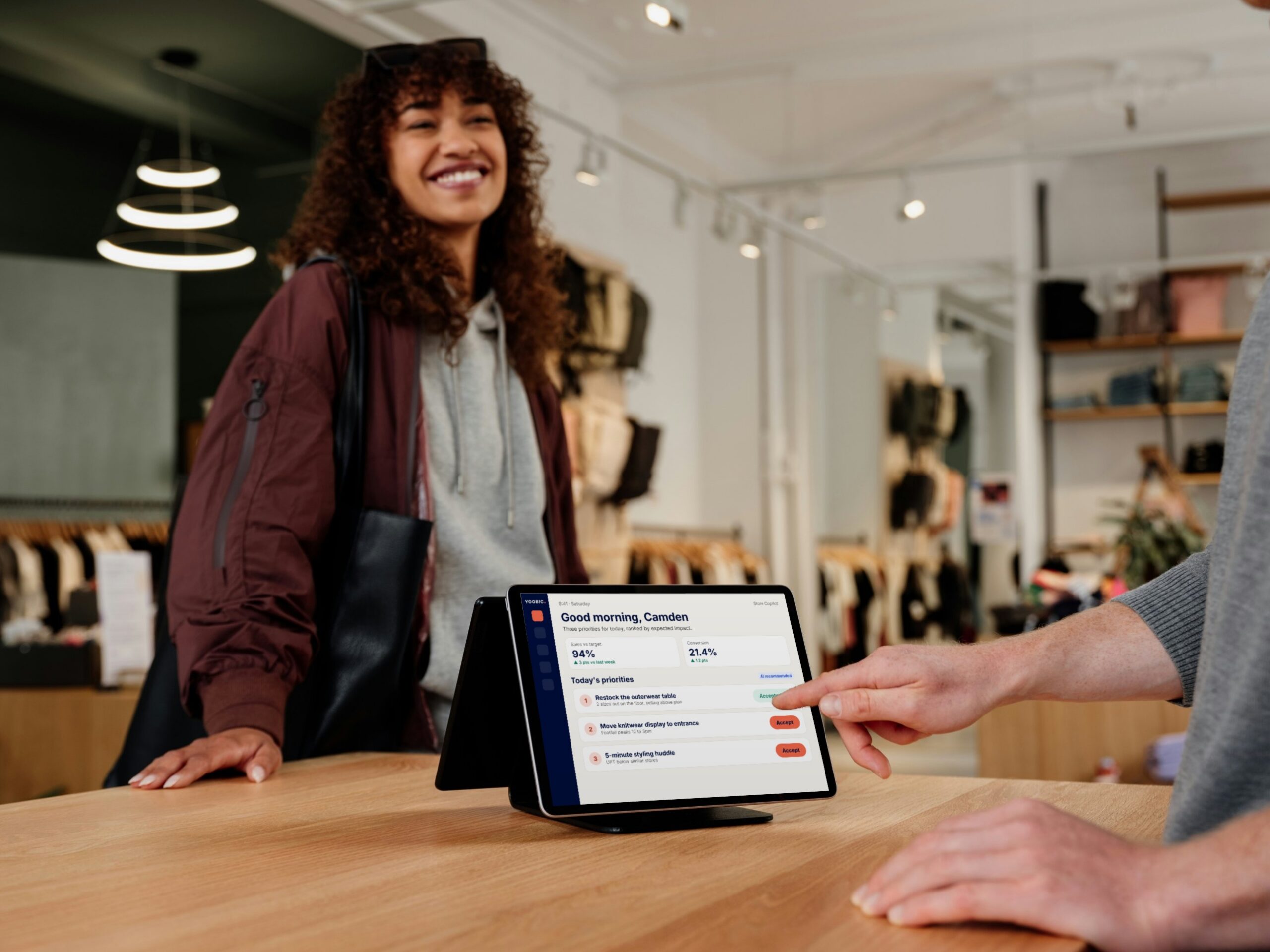
KEY TAKEAWAYS:
- A retail LMS is software that delivers, tracks and records training for store teams across every location.
- It differs from a corporate LMS in how people log in, how long lessons run and how training is targeted.
- High turnover makes onboarding speed one of the main jobs a retail LMS has to do well.
- The features that matter most are email-free mobile access, short lessons, targeting by role and store, and reinforcement.
- A standalone LMS shows who finished a course, but not whether anything changed on the shop floor.
Every retailer trains store teams. New hires need onboarding, product launches need briefings and compliance rules need a record. The question is how that training reaches hundreds of stores and thousands of associates who rarely sit at a desk.
Most retailers answer it with a learning management system, or LMS. But many of those systems were built for office staff with laptops and time set aside to study. In a store, that design gets in the way.
This guide explains what a retail LMS is and how it differs from a corporate LMS. It also covers the features that matter on the shop floor and how to choose one for your stores.
What is a retail LMS?
A retail LMS is a learning management system built for store teams. It delivers training to associates and managers on their phones. It also tracks who has completed what and keeps a record for compliance. Head office can also send the same course to every store at once.
DEFINITION:
Retail LMS
A learning management system designed for store and field teams. It delivers short, mobile training, targets content by role and location, and tracks completion and results across every store.
Retailers use an LMS for four main jobs. These are onboarding new hires, product and promotion training, mandatory compliance and safety training, and ongoing skills development.
How a retail LMS differs from a corporate LMS
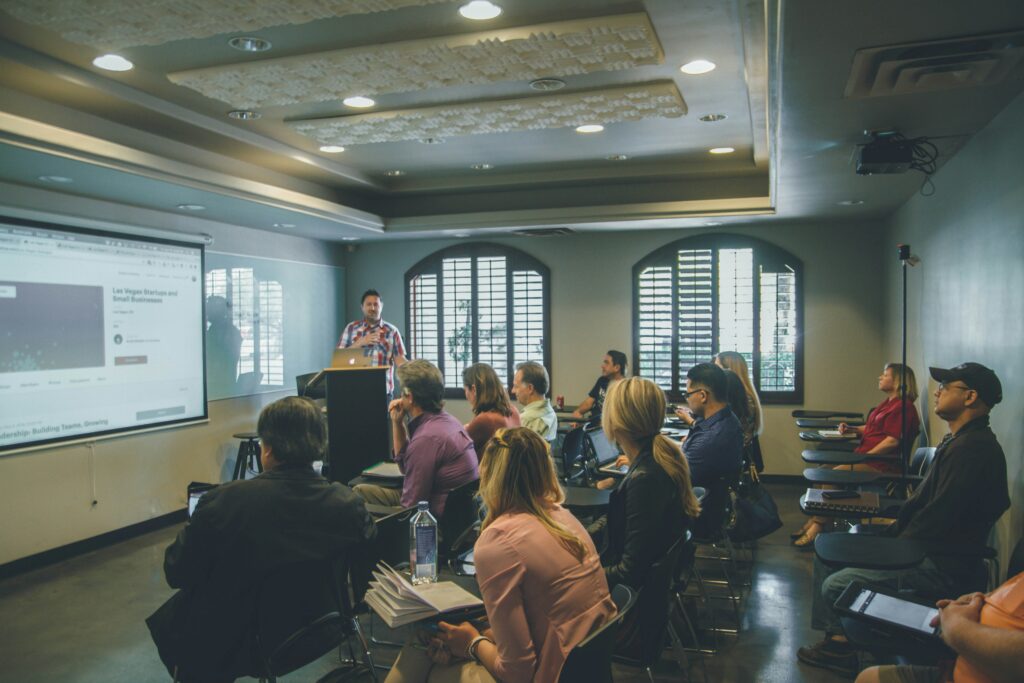
Both types assign courses and report on completion. The difference is who they assume the learner is. A corporate LMS assumes a desk, a company email and an hour to spare. A retail LMS assumes a phone, a busy shift and a few minutes between customers.
| Area | Corporate LMS | Retail LMS |
|---|---|---|
| Login | Company email and password | Phone number, QR code or employee ID |
| Device | Laptop or desktop | Personal or store phone |
| Lesson length | 30 to 60 minutes | Two to ten minutes |
| Targeting | By department or team | By role, store, region and language |
| Success measure | Course completion | Completion plus results in store |
Those differences decide whether associates open the training at all. If a seasonal hire can’t log in without a company email, they can’t start onboarding on day one.
Why do retailers need a dedicated LMS?
The main reason is turnover. Retail teams change constantly, so onboarding never stops. Every new associate needs the same core training, delivered fast and in the same way in every store.
3.1%
of US retail employees quit their jobs in September 2026 alone.
Source: US Bureau of Labor Statistics, Job Openings and Labor Turnover Survey.
New starters are also the most likely to leave. BCG surveyed more than 4,600 deskless workers. Among those with under a year’s tenure, 52% were looking for a new job. A slow or confusing first few weeks makes that worse.
The second reason is consistency. A product launch or a new safety rule has to land the same way in every store, from the flagship to the smallest. A retail LMS sends one version of the course to every location, in each team’s own language.
There’s also a link to sales. Wharton researchers studied online training at a large department store chain over three years. Associates who completed training sold 46% more per hour than those who didn’t. The researchers attributed about half of that gap to the training itself.
What are the key features of a retail LMS?
Feature lists run long, but a handful decide whether a retail LMS works in stores. Use these as your shortlist criteria.
1. Mobile access without a company email
Associates should be able to sign in with a phone number, a QR code or an employee ID. Content should load quickly on a phone and work offline in stores with weak signal.
2. Short lessons that fit a shift
Lessons should take two to ten minutes, so associates can finish one before opening or during a lull. Video, images and quick quizzes hold attention better than long slide decks. Our guide to microlearning for retail covers how to build them.
3. Targeting by role, store and language
A cashier, a stockroom associate and a store manager need different training. The LMS should assign courses automatically by role, location and start date, and translate them for each market.
4. Reinforcement, not one-off courses
People forget most of a course unless they review it. A 2019 study of more than 10,000 learners looked at how to space reviews. The longer you need to remember something, the wider the best gap between reviews. Short, spaced quizzes after a course help knowledge last beyond the first week.
5. Compliance records you can audit
Mandatory training needs a clear record of who completed what and when. Look for automatic reminders before certifications expire and reports you can filter by store.
6. Fast course creation
Retail content changes every season. AI course creation can turn an existing product sheet or procedure into a short lesson and quiz. That lets a small learning team keep up with the business.
Where a standalone LMS stops
Even a well-built LMS has a limit. It can tell you that 95% of associates completed the new product course. It can’t tell you whether they used what they learned with the next customer.
That’s because training data and store data usually live in separate systems. The LMS holds completions and quiz scores. Sales, audits and task completion sit elsewhere. So when a store underperforms, nobody can see whether the cause is a skills gap or something else.
INSIGHT
Completion shows that associates opened the course. Store results show whether they used it. A retail LMS earns its place when you can see both side by side.
The strongest programs connect learning to the work itself. A new procedure arrives as a message, becomes an assigned task and comes with a two-minute lesson that explains it. A manager can then confirm the behavior on the floor. Our complete guide to retail training covers how to build that loop.
What results look like in practice

Moschino ran store training on a traditional desktop LMS. Associates had to leave the shop floor and sit at a computer for hours to complete courses. Completion was low, and there were no courses in local languages for its Asian stores.
The brand moved to mobile microlearning that associates could finish around their day. It also launched its first global training program in Asia, with built-in translation. Moschino’s training completion reached 98% across more than 150 boutiques, with an average course rating of 4.7 out of 5.
“My goal was to find a training tool that is smarter, more user friendly, and most of all, available on every smartphone. YOOBIC gives us that. It has become a fundamental tool for our store teams at Moschino.”
Luca Trignano, Global Retail Training Manager, Moschino
Other retailers have seen similar results after moving training onto mobile. GANT increased course completion by 30% compared with its previous platform. At Michaels, learning participation rose 150% and voluntary turnover fell 24%.
How do you choose a retail LMS?
Start with your stores, not the feature list. Run each option through a few practical tests before you compare prices.
- Access: can a new hire start training on day one, on their own phone, without a company email?
- Format: does a typical lesson take less than ten minutes to finish?
- Reach: can one course reach every store in the right language, targeted by role?
- Reinforcement: does the system bring key knowledge back after the course ends?
- Results: can you see training data alongside task completion and store performance?
Then test it in a few stores before you roll it out. Track adoption every week, because low usage sinks more rollouts than missing features do. Our guide to choosing a digital learning platform covers the tests in more detail. When you’re ready to compare vendors, see our roundup of the top retail training platforms for frontline employees.
How YOOBIC supports retail learning
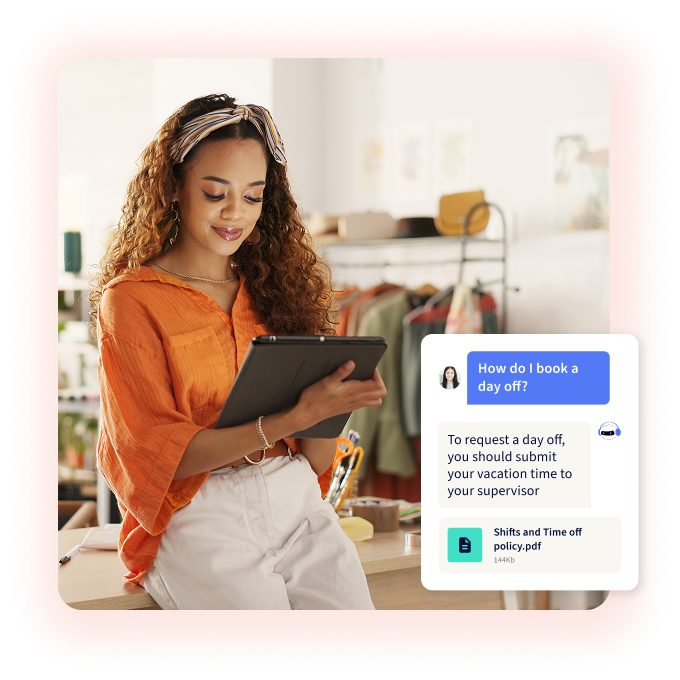
YOOBIC Learning gives store teams mobile microlearning they can finish around a shift. AI course creation turns existing documents into lessons and quizzes, and built-in translation takes one course to every market. A personalized daily quiz then brings back what each associate is most likely to forget.
Learning sits in the same app as tasks and communications. So a lesson can arrive alongside the task it explains, and managers can see training results next to store execution. YOOBIC can also integrate with an existing LMS. That way, you can add mobile learning for store teams without replacing your current system.
Training your store teams will actually finish
See how YOOBIC delivers mobile learning in the flow of work and links it to store results.
FAQs
How much does an LMS cost?
LMS pricing usually follows one of three models: per registered user, per active user or a tiered plan. Most vendors also charge for setup, integrations and content. For retail teams with high turnover, check whether you’ll pay for people who have left or never logged in.