

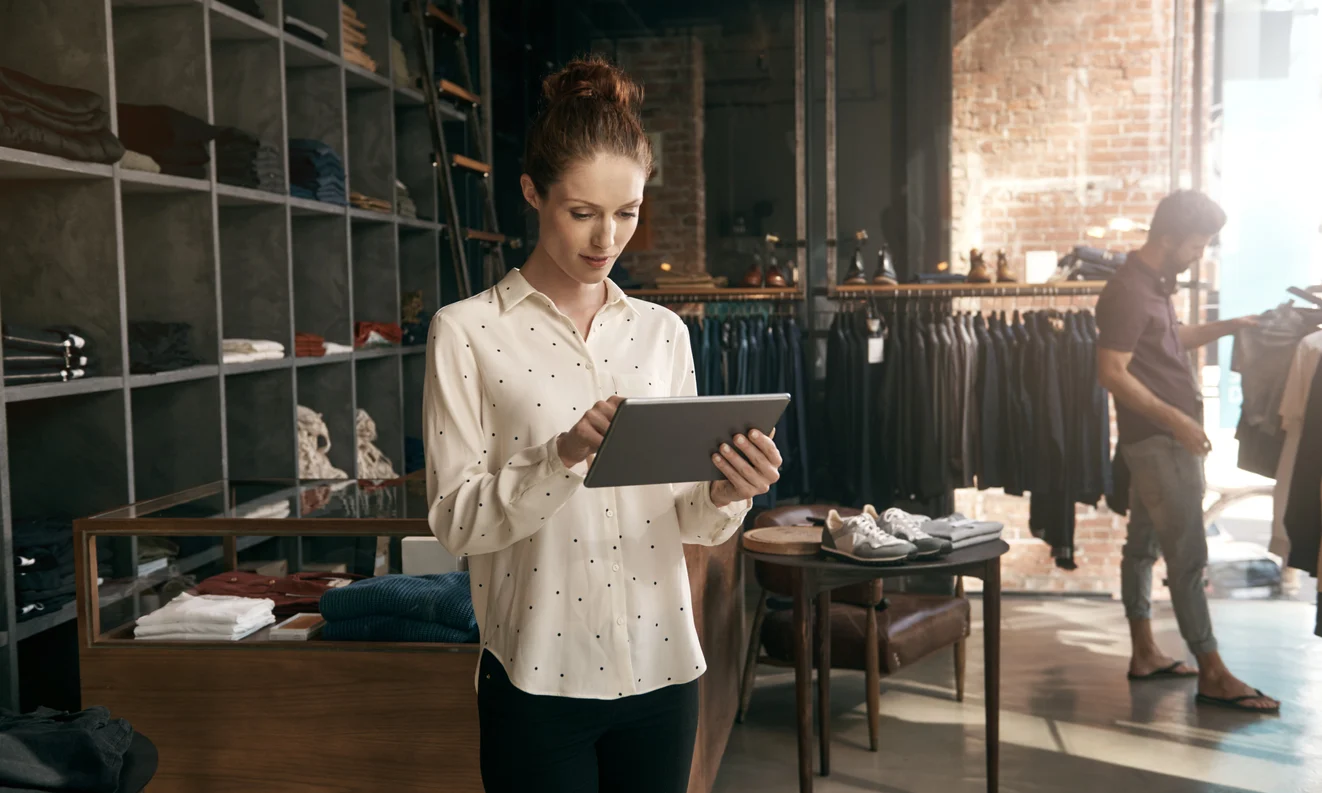
It’s 7:30 am. A store manager has four reports open, a promo reset due, and three associates already waiting with questions. The doors haven’t opened yet.
Retailers use AI to increase store productivity by removing the admin, searching, and guesswork behind a morning like that. AI reads the reports, ranks what matters, answers routine questions, and checks the work. Your team gets those hours back for customers.
You’ve seen where the time goes. Store teams lose hours to admin, to hunting for answers, and to guessing which task matters most. Those losses rarely appear in a report, yet every shift feels them.
The pressure to prove value is growing. The NRF Retail AI Trends survey found 77% of retailers allocate 5% or less of their technology budget to AI. That’s expected to change: 39% anticipate AI will account for more than 10% of their tech spend within three years.
The survey covered 56 AI leaders at U.S.-based retailers in summer 2025. With budgets that small, AI in retail stores has to earn its place on everyday work. That makes store productivity the test that counts, ahead of supply chain or e-commerce.

You’ll see what AI does in stores, where time leaks, how to roll it out, and how to measure the return.
Key takeaways
Here’s what you need to know before you plan your first AI pilot.
Cut chores, skip new charts: AI raises store productivity by removing manual work and interpretation, not by adding dashboards
Fewer, sharper priorities: The biggest gains come from a short, ranked list of daily actions per store
Help in the moment: Associates get answers on the shop floor instead of leaving customers to search
A destination for freed time: Saved hours only pay back when you decide where they go
What does AI actually do to store productivity?
AI increases store productivity by taking manual, low-value work off your team. It points their hours at the few actions that move sales and standards.
Store productivity is the output a location’s team produces, in sales, completed tasks, and standards met, for the hours it works.
That definition puts hours at the center. Checkout hardware and supply chain AI matter too, but they sit outside the scope here. The focus is the work your managers and associates do each shift.
The BCG 2026 retail predictions draw on the firm’s project experience. In that work, AI and automation tools saved 25% of employee time on manual tasks. Those tasks included inventory checks, price updates, and basic customer questions.
BCG also estimates those tools improved employee satisfaction by 30%. That second figure is easy to skip, and you shouldn’t. Less manual work makes the job better as well as faster.

You can sort almost every in-store use of AI into four jobs. Each one removes a specific kind of wasted time.
| AI job | What AI does | What it removes from your team’s day |
|---|---|---|
| Decide | Ranks the few actions that matter most in each store today | Time spent reading reports and guessing priorities |
| Answer | Responds to associate questions in plain language, using approved documents | Trips to the back office and calls to a busy manager |
| Verify | Reviews photos of displays and tasks against brand standards | Manual photo review and visits made only to check work |
| Route | Sends each task to the person responsible for it | Managers forwarding and chasing every request by hand |
Most AI in stores fits one of these jobs, even when the vendor calls it something else. If you want more examples by role, explore these AI use cases for store teams.
Where does store productivity leak today?
Productivity leaks in the gaps between systems and people. Managers interpret data by hand, associates hunt for answers, tasks cascade through one person, and nobody can confirm the work got done.
A customer in the fitting room asks an associate where a new line is displayed. The associate isn’t sure, and the planogram lives on a shared computer in the back office. So they walk away to look it up.
When they return, the fitting room is empty. The customer has left.
That team had the data it needed. It didn’t have a fast way to reach it. Most productivity loss in stores follows this pattern: the gap is interpretation and time, not access to data.
You’ll find the same four leaks in almost every network. Each one maps to one of the four AI jobs: decide, answer, verify, and route.
Interpretation time: Managers turn raw reports into decisions by hand, so the fix is AI that decides
Searching and escalating: Associates leave customers or interrupt a manager to find information, so the fix is AI that answers
Manual delegation: Every task passes through the manager before reaching the right colleague, so the fix is AI that routes
Unverified execution: Teams mark tasks complete without proof, so the fix is AI that verifies
Walk one of your stores on a busy day, and you’ll likely spot all four before the shift ends. Each leak looks small on its own. Together, they decide how much of a shift reaches customers.
How does AI decide what each store should do today?
AI benchmarks each location against genuinely comparable stores in the same network. It finds the gaps a manager can influence and ranks them into a short list of daily actions.
Here’s the part most teams miss. Ranking stores against the chain average is a common habit, and it looks fair, because everyone gets the same yardstick. But a store compared with the chain average only learns whether it’s big or small.
Compared with similar stores, it learns whether it’s run well. A flagship and a small-town location will always look different against the average. Against their true peers, the gaps that remain are the ones your manager can close.
Prioritization means subtraction. Three ranked priorities is a different job from a hundred tasks sorted by urgency. Long lists push the decision back onto the manager, and that’s the hardest part of their morning.
You can see the difference when you put a dashboard next to a copilot.
| Question | Dashboard | Copilot |
|---|---|---|
| What it shows | What happened yesterday, spread across many charts | Three ranked actions, each with the benchmark behind it |
| What the manager does next | Reads, interprets, and decides alone | Reviews the action, adjusts it, and assigns it |
| How you know it worked | Someone checks the numbers later, if they find time | The action stays linked to the result, so you can see whether the key performance indicator (KPI) moved |
Picture the old routine at Morrisons. Head office distributed between 80 and 100 operational tasks every week to stores. Store managers cascaded each one to their teams and tracked it all manually.
The fix was routing. Role-specific tasks now go directly to the responsible colleague, so they skip the manager’s inbox. That change delivered a 90% reduction in manager task load.
Every task a manager forwards is time they aren’t spending with their team. Cut the forwarding, and you hand that time back.
You can’t benchmark a whole network by hand, so this is where a system earns its place. Store Manager Copilot compares each location with its true peers and hands over three priorities each day.
It checks inventory before it suggests a sales action, so it won’t push a product the shelf doesn’t have. Each action plan lands in the task list the team already opens. The manager reviews every suggestion and makes the call.
That’s augmented, not autonomous. The AI does the benchmarking, and your manager applies what they know about staffing, local events, and stock accuracy. For a deeper look, read how a retail AI copilot works.
How do AI assistants help associates on the shop floor?
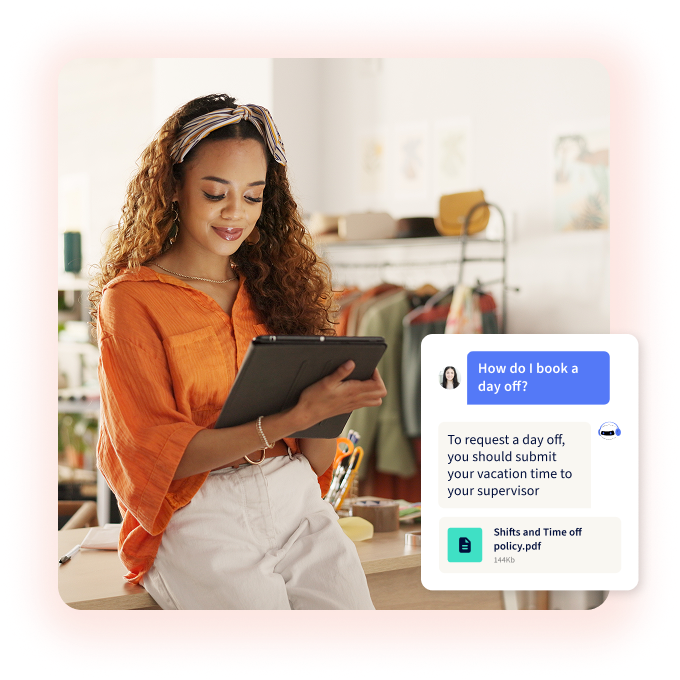
An AI assistant answers associates’ operational questions in plain language. It draws on your own approved documents and sits inside the app your teams already open.
A new seasonal hire is restocking near the register. A customer asks whether a gift receipt allows an exchange on a sale item. The manager is on lunch.
Instead of going to find help, the associate checks the assistant from the shop floor. They have the answer before the customer reaches checkout.
The customer gets served, and the manager finishes their break. Small moments like that add up across every shift.
Grounding is what makes that response safe to give. Grounding means the assistant answers only from your own approved documents.
A general chatbot pulls from the internet. It doesn’t know your returns window, your promotion rules, or last week’s policy change.
The strongest evidence comes from a different setting, so read it with care. A Quarterly Journal of Economics study of customer-support agents at one firm found AI assistance raised issues resolved per hour by 15% on average. Less skilled and less experienced workers saw a 30% increase on that measure.
Those agents weren’t store associates. Still, the pattern matters if your stores hire constantly, because the newest people gained the most.
Putting verified answers in every associate’s hand takes a system. YOOBIC AI Assistant responds from your approved company knowledge and links each answer to its source.
It’s permission-aware, so people only see what their role allows. Questions AI Assistant can’t answer show your headquarters (HQ) team where documentation has gaps.
That turns everyday questions into a to-do list for whoever owns your policies. You fix the gap once, and every store benefits.
How does AI check store execution without a store visit?
Store teams photograph a display, and AI reviews the photo against brand standards. It flags issues and coaches the fix while the campaign is still live.
On a Wednesday night, an area manager scrolls through 200 campaign photos. In one store’s set, they spot a missing hero product. It’s three days after launch weekend, and shoppers have walked past the gap the whole time.
The team took the photo. It sat in a queue until someone had time to look.
That’s the productivity problem with manual review. It’s slow, many photos never get checked, and problems surface after customers have seen them. A checked box says a task was done, while a reviewed photo shows it.
There’s a cost to the visit schedule too. If your area managers spend visits checking displays, they have less time to coach people.
Reviewing every photo across a network needs a system. Visual Merchandising (VM) Copilot reviews each image as soon as it’s submitted, flags issues, and coaches the team on the fix.
VM Copilot doesn’t block submissions, so it coaches without slowing teams down. It removes manual review, so your merchandising team can focus on performance.
Your area managers get their visits back for coaching. Your stores fix issues while the campaign still has days to run.
How do you roll out AI in your stores, step by step?
Start with one measurable productivity leak. Pilot in matched stores against a control group, put the AI’s output inside the tools teams already open, and scale only what moved the number.
The order matters because individual gains don’t automatically become business results. The McKinsey State of AI 2026 found 80% of respondents say AI improved their individual productivity. Yet 37% attribute at least some earnings before interest and taxes (EBIT) impact to AI.
Adoption is widening: 44% report AI scaling across their enterprise, up from 38% a year ago. That cross-industry survey covered 1,719 participants. For you, the lesson is clear: plan for business impact from the first step.
Six steps for a matched-store AI rollout
Each step is a practice your operations team runs. The technology matters less than the order you work in.
1. Pick one leak and baseline it
Choose the single leak that costs your stores the most hours. Record the time each role spends on admin, searching, and rework before anything changes. Without a baseline, you can’t prove a gain later, and your finance team will ask.
2. Connect the data you already have
Most store AI runs on data you already collect. Send point-of-sale (POS) sales, traffic, inventory, product master, and store metadata at least daily. Freshness beats perfection, because a recommendation built on last month’s stock count sends your team after products that aren’t there.
3. Pilot in matched stores
Run a set of similar stores against a control group for a set period. Picture a head of store operations who runs a six-week pilot in 12 similar locations. They compare task completion and conversion against 12 control stores before asking for budget to scale.
4. Put actions where work already happens
AI output should land as an assigned task with proof, inside the place your team already works. A new login is one more thing to forget on a busy shift. YOOBIC’s AI-powered task management turns a recommendation into an assignment with an owner, a due date, and photo proof.
5. Keep the manager in charge
The manager accepts, edits, or skips each recommendation. That choice is by design, because your managers know about the delivery that came late or the event across the street, and the AI doesn’t. Their judgment is what makes the output usable.
6. Scale what moved the number
Expand one region at a time once the pilot shows a KPI change. If a use case didn’t shift its metric, fix it or drop it before you roll it wider. You’ll protect budget for the work that pays back.
How do you measure the return on AI in stores?
Separate hours saved from time redeployed. Then tie the redeployed hours to a selling or service KPI, so the time has a job to do.
Saved time leaks away without a plan. The BCG AI at Work 2026 survey found 42% of frontline employees who are regular AI users save eight hours a week. That’s the equivalent of a day’s work.
Yet 66% receive limited or no guidance on what to do with the time they save. The survey covered close to 12,000 frontline employees, managers, and leaders in more than a dozen global markets.
BCG’s frontline group isn’t limited to retail store staff, so read it as a general signal about frontline work.
A store manager frees up two hours each weekday. Instead of letting them disappear into admin, they move those hours into the 4:00–7:00 pm rush. Then they track conversion in that window.
That’s what naming where the hours go looks like. You can copy it in any store with a clear peak.
Use three KPI families, and keep people metrics in their own row.
| KPI family | Metrics to track | What it tells you |
|---|---|---|
| Operational execution | Task completion rate, time to execution, compliance rate | Whether the work AI prioritizes gets done, and how fast |
| Sales | Conversion rate, average transaction value (ATV), units per transaction (UPT) | Whether redeployed hours reach customers |
| People and workforce | Employee turnover, time-to-productivity | Whether the job gets easier to learn and to stay in |
Customer results show what the return looks like in practice. For Michaels, a YOOBIC customer, the clearest change came in admin time.
67% decrease
in time spent on store admin
Michaels
Hours only count when they go somewhere. PureGym, a gym operator, saved 26,000+ hours annually and reinvested them into member-facing activity.
The setting differs from retail, but the principle carries to your stores. Name the destination before you count the savings.
Where is AI in store operations heading?
AI in store operations is heading toward fewer, ranked actions, verified work, and one connected workflow. You’ll see three shifts shape the next wave of retail AI trends.
From reports to ranked priorities
On Monday morning, an area manager plans visits from the stores that slipped last week. The ones that held steady get a phone call instead of a drive. Their time goes where the gaps are.
The bottleneck is interpretation, so expect tools to hand managers a short list instead of another report. You’ll spend less time reading and more of it acting.
From self-reported to verified execution
A checklist relies on someone saying the job was done. Look for photo evidence and exception review to become the default audit trail.
Your teams review the exceptions, and the rest needs no manual check. Audits stop being a monthly event and become part of every task.
From separate tools to one connected workflow
Today a task often lives in one system, the message about it in another, and the training in a third. That split costs minutes whenever an associate switches.
Next, you can expect a task, the message about it, and the training to do it to travel together. You’ll brief, teach, and check in one place.
The bottom line on AI and store productivity
AI raises store productivity when it removes interpretation and admin, ranks a few actions per location, answers questions on the floor, and verifies work. It pays back when you decide where saved hours go.
Go back to that manager at 7:30 am. Now they start the day with three ranked actions, and they’re on the floor before the doors open. The reports still exist, but they’re no longer the first job of the morning.
At YOOBIC, we bring tasks, communications, and learning together in one AI-powered platform. A signal in store data becomes a completed task on the floor.
Associates get clear priorities and trusted answers during their shift. Managers get time back to lead, and HQ sees which work is complete in every location.
Want to see that loop running in your own stores? Book a demo
Book a demo and find out how
Avoid wasted hours, blind spots
and lost revenue with YOOBIC
Frequently asked questions
Will AI replace store associates?
The store AI described here is built to take tasks off associates, not to take their place. It handles work like searching for policies and checking photos, so associates spend more time on service and selling. Managers still make the calls about their store and their team.